The Best CCNA Lab Simulators in 2026, Ranked by the Job They Do
There is no single best CCNA lab. Packet Tracer, Cisco Modeling Labs, Boson NetSim, GNS3, EVE-NG and browser-based troubleshooting labs each do one job better than the others - building, real IOS, guided practice, big free-form labs, or finding faults you did not plant. This page ranks them by that job, with prices read from each vendor in September 2026.
Short answer: the best free CCNA lab is Cisco Packet Tracer. For real Cisco images, Cisco Modeling Labs (CML-Free runs five nodes at no cost). For a guided curriculum, Boson NetSim ($179 per year). For graded troubleshooting in a browser, FigigExams Troubleshooting Practice (one scenario free). For large free-form labs, GNS3 or EVE-NG Community.
Most candidates need two of them: one to build in and one that breaks things for them.
In This Guide
How to judge a CCNA lab simulator
Lab count is the wrong first question. Five things decide whether a lab tool moves your CCNA score:
- CLI fidelity. Does the show output look like the exam's exhibits? A simulation covers what its authors modelled; real images (CML, GNS3, EVE-NG) behave like production, quirks included.
- Setup cost. Minutes to first command. A tool you have to wrestle with gets used less.
- Feedback. Does anything tell you whether your network is right? Without it, "it seems to work" is the only grade.
- Troubleshooting practice. Can you practise on a network someone else broke? Diagnosis only improves on faults you did not plant - and CCNA 200-301 v2.0 (3 February 2027) brings seven troubleshoot and diagnose topics back.
- Price model. Free, one-time, or a subscription that renews while you are still studying.
CCNA lab simulators compared at a glance
Prices and terms read from each vendor's own site in September 2026; they change, so check before you buy.
| Tool | Price | Setup and IOS | Feedback on your work | Best for |
|---|---|---|---|---|
| Cisco Packet Tracer | Free (NetAcad account) | Desktop app Simulated IOS subset | Only in prepared activity files | Building any CCNA topology |
| Cisco Modeling Labs | CML-Free $0 (5 nodes) · Personal $199/yr (20 nodes) | VM or bare metal Real Cisco images (IOL) | None built in | Real IOS behaviour |
| Boson NetSim for CCNA | $179/yr or $59/3 months, auto-renew | Desktop app Simulated IOS | Compares your config with the expected one | A structured lab curriculum (85 labs) |
| FigigExams Troubleshooting Practice | One scenario free · all 9 in the $39 one-time CCNA pack | Browser, no install IOS-style simulation | Graded on network state; any valid fix counts | Graded fault-finding |
| GNS3 | Free, open source | Install + your own images Real images you supply | None built in | Large free-form labs |
| EVE-NG | Community free · Pro paid yearly | VM or bare metal + your images Real images you supply | None built in | Large multi-vendor labs |
The best free CCNA lab simulator
Cisco Packet Tracer is the best free choice for most CCNA candidates. Cisco distributes it through Networking Academy: create a free NetAcad account and download it from the resource hub or the "Getting Started with Cisco Packet Tracer" course. It needs no images, runs on a normal laptop, and covers the switching and routing the exam is built on.
Three other free options do different jobs:
- CML-Free - Cisco's no-cost edition of Cisco Modeling Labs, documented on Cisco DevNet: up to five nodes at once, with IOL, IOL-L2 and ASAv images. Real Cisco software, small topologies.
- GNS3 and EVE-NG Community - free emulators for bigger, multi-vendor labs, if you supply your own images.
- The FigigExams Branch Office scenario - a free, graded troubleshooting lab in the browser: five devices, one hidden fault, unlocked with the code
CCNA-EXAM-FULL.
Try a graded CCNA troubleshooting lab free
The free CCNA code opens the Branch Office scenario: a network someone else broke, one fault to find and fix from the console, graded on the network itself. It also unlocks a full-length CCNA practice exam.
CCNA-EXAM-FULL
Open the free scenario
Already have an account? Log in and open it
The picks, by the job they do best
-
Cisco Packet Tracer - best free lab, best for building
Free with a NetAcad account. Drag devices onto a canvas, cable them, configure them. Prepared activity files (.pka) can check your work when an instructor or course provides one.
Where it falls short: a simulated subset of IOS, and no one breaks your network for you - you only ever find the faults you planted.
-
Cisco Modeling Labs (CML) - best for real IOS
Runs real Cisco images, so show output and edge cases match production. CML-Free covers five nodes at no cost; CML Personal is $199 per year for 20 nodes (Cisco's store listing, September 2026).
Where it falls short: you run it as a VM or on its own hardware, and it gives no feedback on your work.
-
Boson NetSim for CCNA - best guided lab curriculum
85 guided CCNA labs, each with a grader that compares your configuration with the expected one. The most complete structured lab set sold for the CCNA.
Where it falls short: $179 per year or $59 for three months, both auto-renewing; the labs guide you through configuration more than they hide faults.
-
FigigExams Troubleshooting Practice - best for graded fault-finding
9 CCNA networks with 28 different hidden faults, a new one each run. You diagnose from an IOS-style console in the browser, and the grade comes from the network's state, so any valid fix passes. One scenario is free; all 9 come with the $39 one-time CCNA pack, which also holds every CCNA practice exam.
Where it falls short: not a sandbox - you cannot build your own topology - and 9 scenarios is far fewer than NetSim's 85 labs. It is an IOS-style simulation, not real IOS. Use it alongside Packet Tracer or CML, not instead of them.
-
GNS3 and EVE-NG - best for large free-form labs
Free emulators (GNS3 is open source; EVE-NG has a free Community edition and a paid Pro licence) that run real images in big, multi-vendor topologies.
Where they fall short: you source your own images and do the setup; more than most CCNA candidates need.
The cheapest way to lab for the CCNA
Start at $0: Packet Tracer for building, CML-Free when you want real images, and the free troubleshooting scenario to find out whether diagnosis is a weak spot. Most candidates can pass on free labs alone if they practise deliberately.
If you pay for something, pay for what the free tools cannot give you:
- A guided curriculum - Boson NetSim is the specialist, at $179 per year.
- Graded troubleshooting plus practice exams - the FigigExams CCNA pack is $39 once, for life: all 9 scenarios and every CCNA practice exam, including future versions of the exam.
- Real IOS at scale - CML Personal at $199 per year.
A lab stack that covers every exam verb
Cisco words every exam topic with a verb, and each verb wants a different kind of practice:
| Verb | What it asks | Practise it with |
|---|---|---|
| Configure / verify | Build it and prove it works | Packet Tracer or CML |
| Troubleshoot / diagnose | Find what is wrong (and fix it) | Networks you did not build: troubleshooting scenarios |
| Describe / explain / compare | Know it on paper | A full practice exam with explanations |
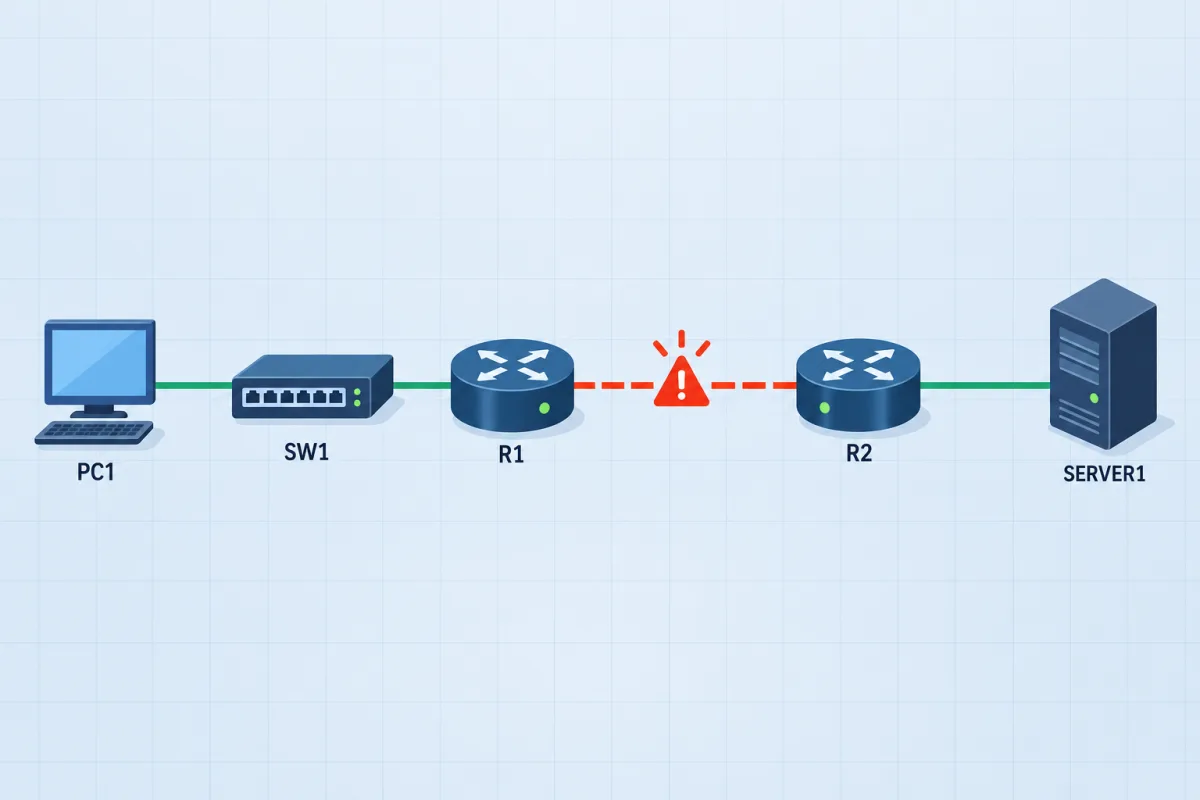
The one lab type the free tools skip
A network you did not build, a fault you did not plant, and a grade from the network itself. Five devices, about twenty minutes, nothing to install.
Frequently Asked Questions
What is the best free CCNA lab simulator?
Cisco Packet Tracer. It is free with a Cisco NetAcad account, covers the switching and routing the CCNA tests, and lets you build any topology. If you want real Cisco images instead of a simulation, CML-Free from Cisco runs up to five nodes at no cost. For graded troubleshooting practice, the FigigExams Branch Office scenario is free in the browser with the code CCNA-EXAM-FULL.
Is Packet Tracer enough for the CCNA?
For building and configuring, largely yes: most CCNA 200-301 topics can be labbed in it. What it does not give you on its own is a network someone else broke - you know every setting because you typed it. Add break-and-fix practice (a study partner, prepared activities, or graded troubleshooting scenarios), especially before the v2.0 exam from 3 February 2027, which brings back "troubleshoot" topics.
Packet Tracer vs GNS3: which is better for CCNA?
Packet Tracer for most CCNA candidates: it installs in minutes, needs no images and runs on a normal laptop. GNS3 runs real images you supply, which is closer to production but needs more setup and a more capable machine. Many candidates start in Packet Tracer and only move to GNS3, EVE-NG or CML when they want real IOS behaviour or larger topologies.
Is Cisco Modeling Labs free?
There is a free tier. Cisco DevNet documents CML-Free as a no-cost, single-user edition that runs up to five nodes at once, with IOL, IOL-L2 and ASAv images. CML Personal is a paid annual licence ($199 per year for 20 nodes when this page was checked).
Is Boson NetSim worth it for CCNA?
If you want a guided lab curriculum, it is the most complete one: Boson lists 85 guided CCNA labs and a grader that compares your configuration with the expected one. The trade-off is price model: $179 per year, or $59 for three months, both auto-renewing. If you mainly want troubleshooting practice plus practice exams, a one-time pack covers that for less.
What is the best Packet Tracer alternative?
It depends on what you want that Packet Tracer lacks: real Cisco images (Cisco Modeling Labs, or GNS3/EVE-NG with your own images), a guided curriculum (Boson NetSim), or graded fault-finding in a browser with nothing to install (FigigExams Troubleshooting Practice).
Can I practise CCNA labs in a browser?
Yes. Troubleshooting Practice runs a Cisco IOS-style console in the browser: 9 CCNA scenarios, each with a hidden fault to find and fix, graded on the network. One scenario is free; there is nothing to install.