CompTIA A+ Cables and Connectors: Network, Fibre, Video, USB and Drive Cables (220-1201)
Cable questions are picture questions - test yourself
A complete A+ Core 1 practice exam with interactive PBQs, including connecting devices to the right interfaces.
APLUS1-EXAM-FULL
Try a free A+ Core 1 exam
Already have an account? Log in to redeem
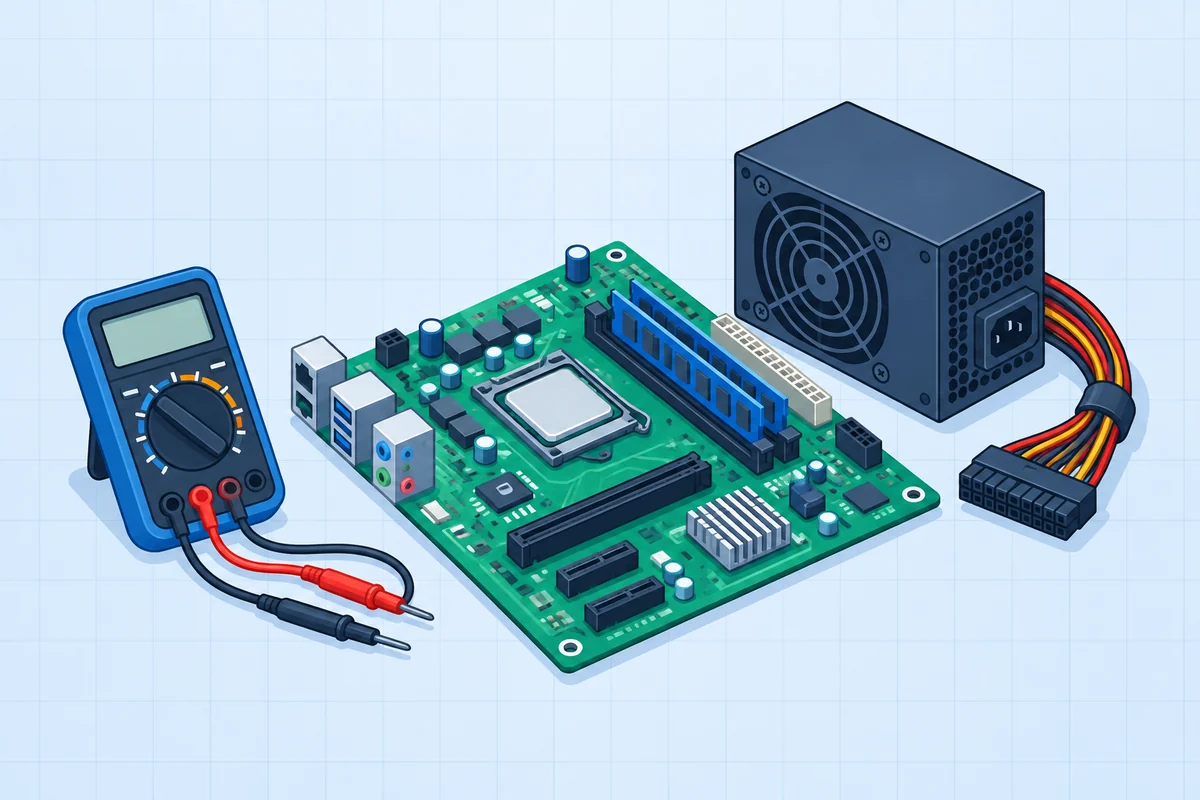 Hardware
Plan the motherboard upgrade.
Identify the exact sockets and connectors before installation.
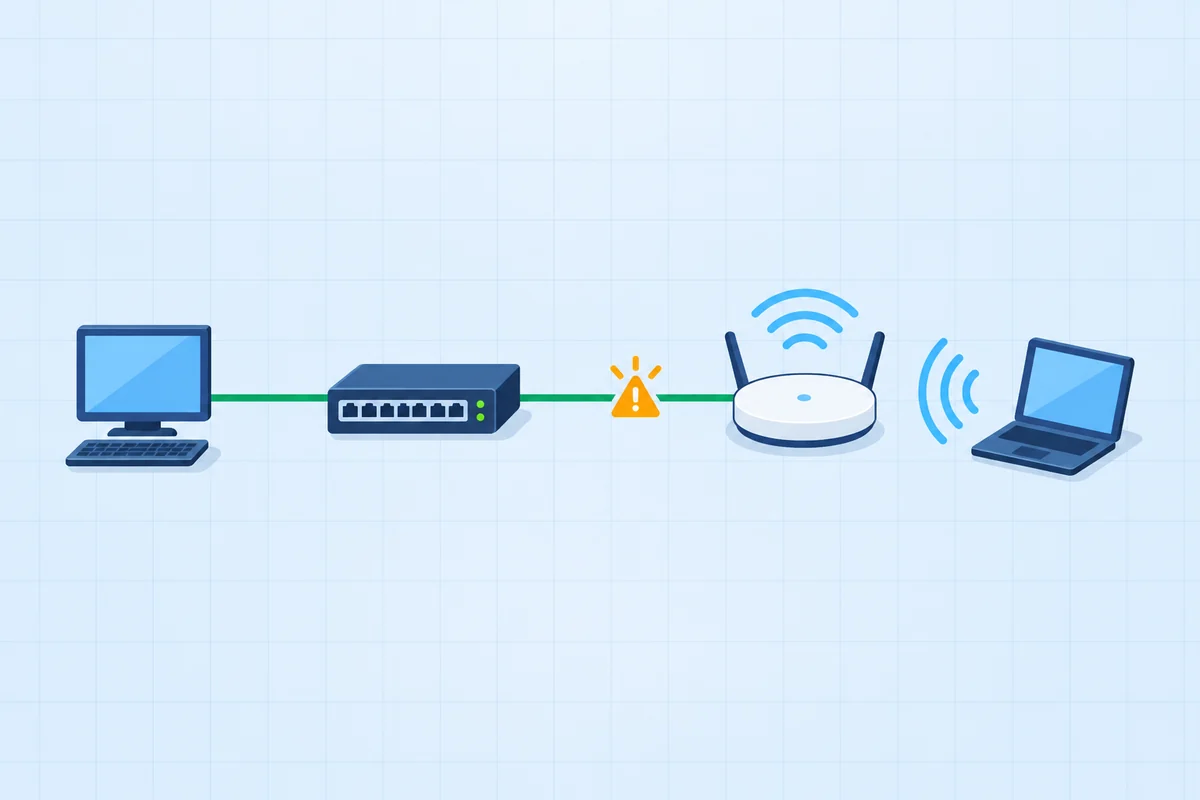 Networking
Connect the new access switch.
Three connections need three different interfaces.
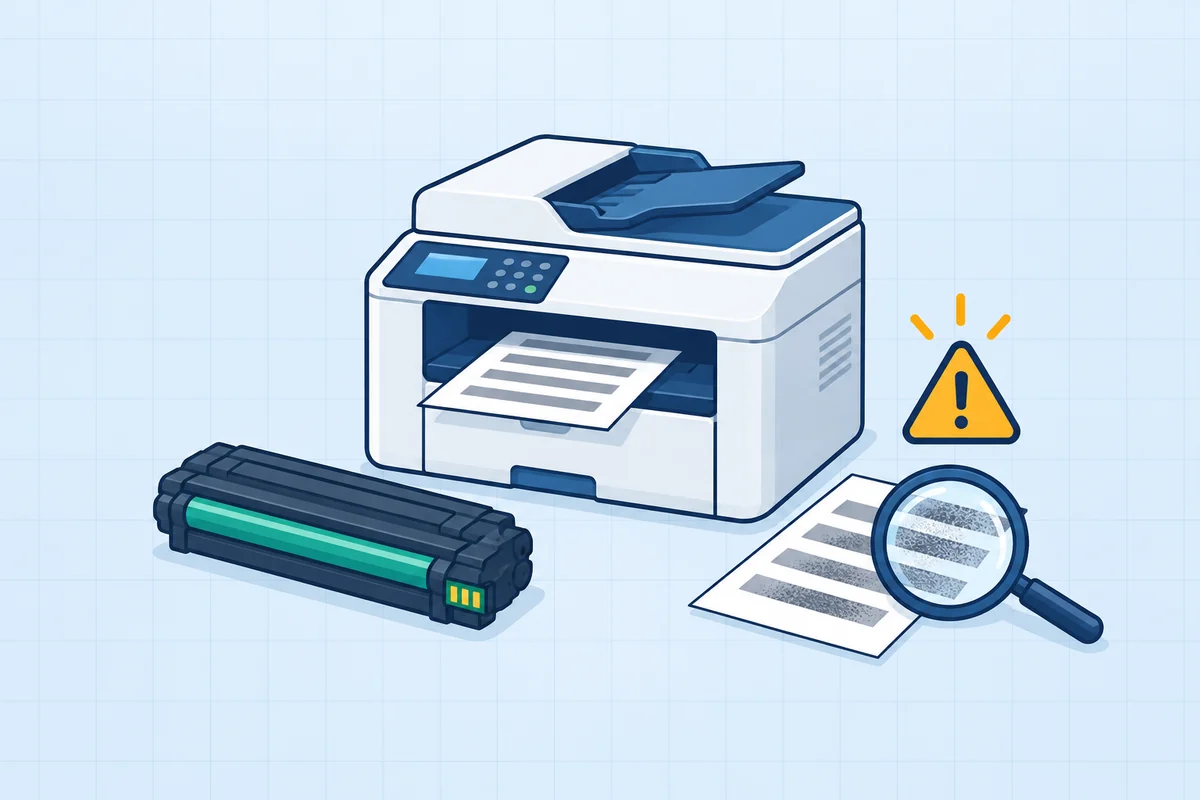 Troubleshooting
Service the laser printer.
Use the failure evidence to choose the right part.
PBQs from the A+ Core 1 pack, each graded outcome by outcome. The free Core 1 exam includes PBQs like these.
A+ Core 1 sub-objective 3.2 covers network cables (copper categories, T568A/T568B, coaxial, shielded and unshielded twisted pair, plenum-rated, and optical single-mode and multimode), peripheral cables (USB 2.0, USB 3.0, serial, Thunderbolt), video cables (HDMI, DisplayPort, DVI, VGA, USB-C), hard drive cables (SATA, eSATA), adapters, and connectors from RJ45 and RJ11 to LC, SC, ST, Molex, Lightning and DB9.From CompTIA's 220-1201 (V15) exam objectives, document version 4.0, checked 12 November 2026.
In this guide
Network cables
| Cable | What to know |
|---|---|
| Copper categories | Cat 5e and Cat 6 carry gigabit Ethernet to 100 m; Cat 6a carries 10 Gbps to 100 m. |
| T568A / T568B | The two wiring standards for RJ45. Same standard at both ends gives a straight-through cable; one of each gives a crossover. |
| Unshielded twisted pair (UTP) | Standard office cabling. |
| Shielded twisted pair (STP) | Extra shielding for electrically noisy places; direct burial versions go underground. |
| Plenum-rated | Fire-resistant jacket required in air-handling spaces above ceilings and below floors. |
| Coaxial | Cable TV and cable broadband, with F-type connectors. |
| Optical: single-mode | Thin core, laser light, long distances measured in kilometres. |
| Optical: multimode | Wider core, shorter runs, typically within a building or campus. |
Video, peripheral and drive cables
| Cable | Carries | Notes |
|---|---|---|
| HDMI | Digital video and audio | TVs and monitors |
| DisplayPort | Digital video and audio | Monitors; daisy-chaining |
| DVI | Digital (and on some variants analog) video | Older monitors |
| VGA | Analog video | Legacy projectors and monitors |
| USB-C | Data, power and video | Listed under video, peripheral and connectors |
| USB 2.0 / USB 3.0 | Data and power | USB 3.0 is much faster; often blue ports |
| Thunderbolt | Data, video and power | High-speed peripherals and docks |
| Serial | Legacy serial data | Console cables, older devices; DB9 connector |
| SATA / eSATA | Internal / external drive data | eSATA is the external version |
Connector types
| Connector | Used with |
|---|---|
| RJ45 | Ethernet twisted pair |
| RJ11 | Telephone and DSL |
| F-type | Coaxial cable |
| LC, SC, ST | Fibre: LC is small form factor; SC is square push-pull; ST is round bayonet twist-lock |
| Punchdown block | Terminating twisted pair in a patch panel or wall jack |
| MicroUSB, MiniUSB, USB-C | Phones, peripherals; USB-C is reversible |
| Lightning | Older Apple mobile devices |
| Molex | Legacy internal power |
| DB9 | Serial |
Tools that go with them (2.8)
Sub-objective 2.8 lists the networking tools you use on these cables: crimper, cable stripper, punchdown tool, cable tester, toner probe, loopback plug, Wi-Fi analyzer and network tap. A classic question: which tool terminates a cable in a patch panel (a punchdown tool) or finds which wall jack a cable runs to (a toner probe).
Cables and connectors: practice questions
Five questions, answers explained. No signup.
Cables are one part of Hardware's 25%
A full Core 1 paper tests them with RAM, storage, printers and more. Free, no credit card.
Try a free A+ Core 1 examA+ packs are $39 once per core: 4 Core 1 exams (354 questions, 19 PBQs) and 3 Core 2 exams (262 questions, 15 PBQs), lifetime.
Frequently asked questions
Which cables are on the A+ 220-1201 exam?
Sub-objective 3.2 lists network cables (copper categories, coax, shielded and unshielded twisted pair, plenum, single-mode and multimode fibre), peripheral cables (USB 2.0 and 3.0, serial, Thunderbolt), video cables (HDMI, DisplayPort, DVI, VGA, USB-C), SATA and eSATA, adapters and connector types.
What is the difference between T568A and T568B?
They are two wiring standards for RJ45 connectors. Using the same standard at both ends makes a straight-through cable; using one of each makes a crossover cable.
What is the difference between single-mode and multimode fibre?
Single-mode has a thin core and carries signals over kilometres. Multimode has a wider core and suits shorter runs inside a building or campus.
What is the difference between RJ45 and RJ11?
RJ45 is the larger eight-pin connector for Ethernet. RJ11 is the smaller connector for telephone lines and DSL.
Which fibre connectors are on A+?
LC, SC and ST, listed in sub-objective 3.2.