CompTIA A+ Performance-Based Questions (PBQs): How to Answer Them + Free Practice
Rehearse PBQs on a full-length A+ exam
A complete timed 220-1201 paper with interactive PBQs where the exam puts them, an explanation on every question, and your score by domain at the end. The code applies itself when you create your account.
APLUS1-EXAM-FULL
Try the exam free
Already have an account? Log in to start · Or keep reading for how A+ PBQs work.
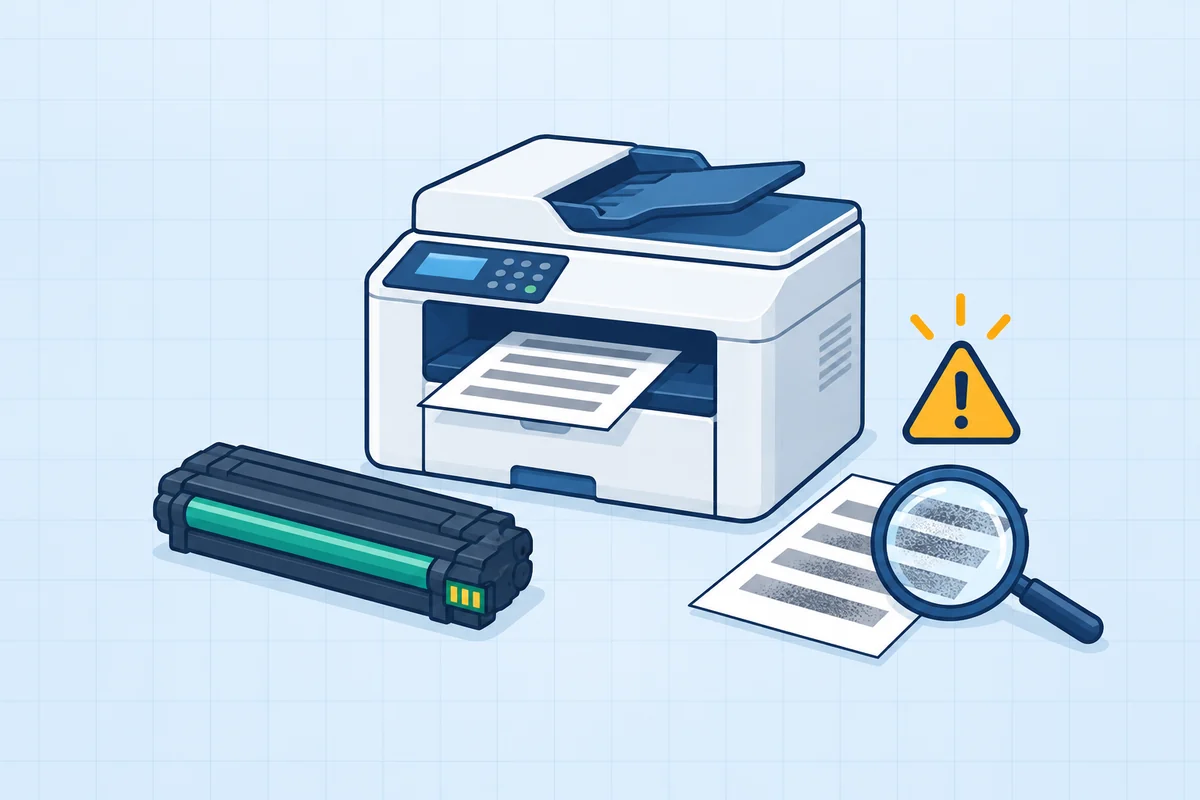 Troubleshooting
Service the laser printer.
Use the failure evidence to choose the right part.
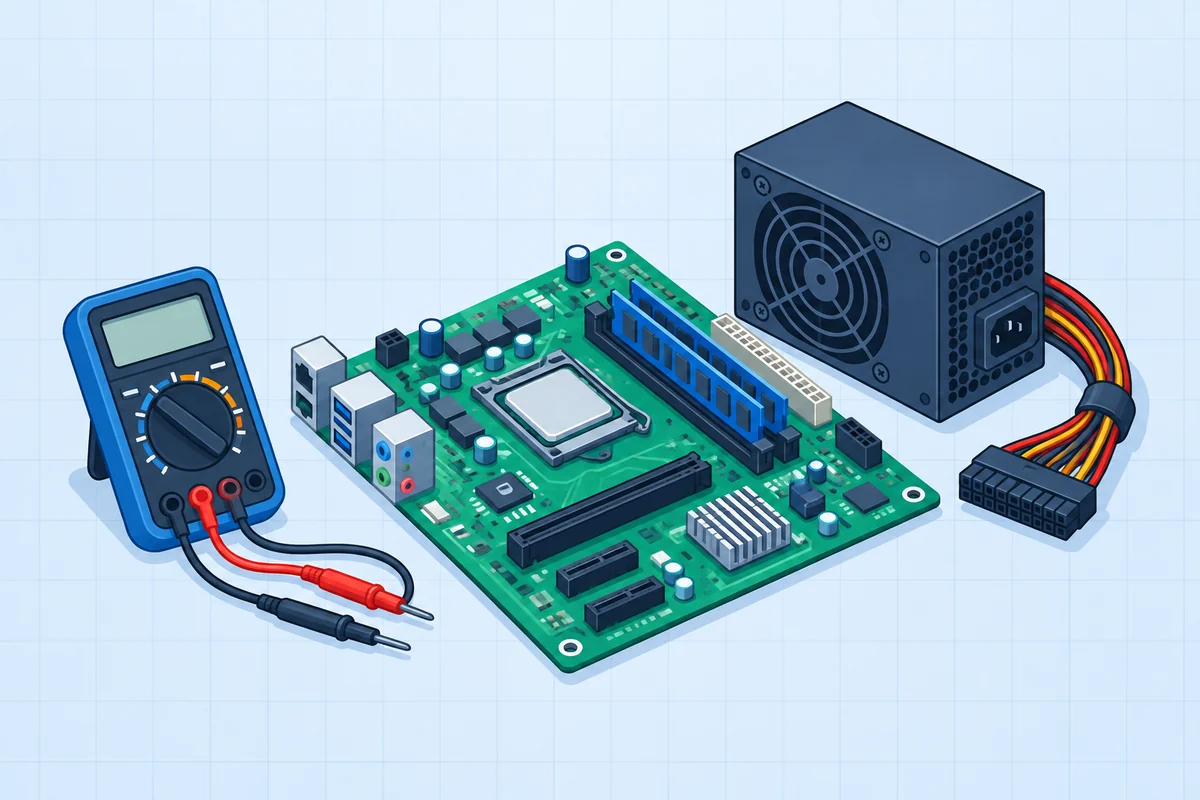 Hardware
Plan the motherboard upgrade.
Identify the exact sockets and connectors before installation.
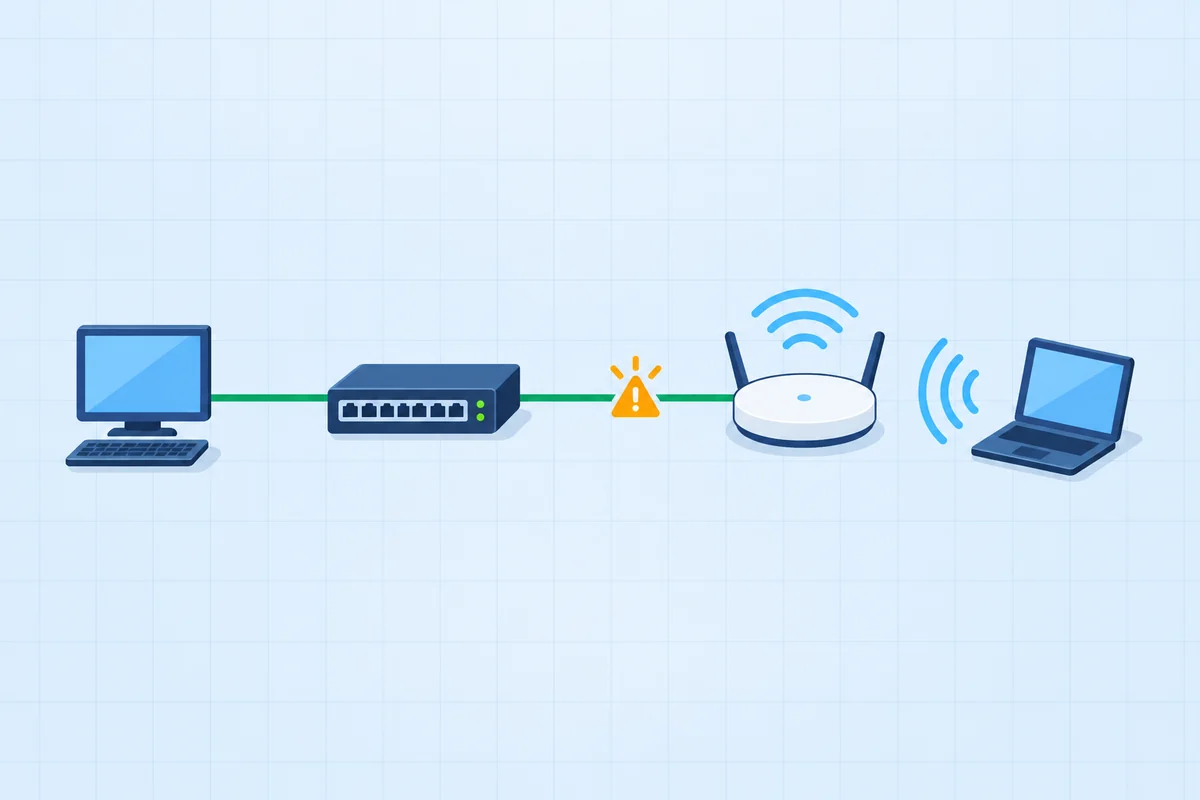 Networking
Connect the new access switch.
Three connections need three different interfaces.
PBQs from the A+ Core 1 pack, each graded outcome by outcome. The free 220-1201 exam includes PBQs like these, where the exam puts them.
Performance-based questions are the part of the CompTIA A+ exams that candidates worry about most. They show up early, they take longer than multiple choice, and they ask you to do something - match connectors, order the troubleshooting steps, read command output - instead of just recognizing a definition. The good news: A+ PBQs are predictable and, honestly, simpler than the Security+ ones. There are only a few formats and a short list of topics, and once you've rehearsed them, they stop being scary. This guide breaks down the formats, gives you a repeatable strategy, and ends with 5 free PBQ-style practice questions covering Core 1 (220-1201) and Core 2 (220-1202).
In This Guide
What an A+ PBQ actually is
A performance-based question presents a scenario and a small interactive task, then grades what you produce. Instead of "Which port does RDP use?", a PBQ hands you a workstation with a network problem and says "Read the ipconfig output and identify why it can't reach the network." You're being tested on whether you can apply the concept, not just name it.
That's why they feel harder - and why they're a great way to study. If you can work an A+ PBQ, you almost certainly understand the underlying concept well enough to answer any multiple-choice question about it too. On Core 1, PBQs cluster in hardware, networking, and the troubleshooting methodology; on Core 2, they lean toward operating-system tools, the malware-removal process, and security settings.
The 4 PBQ formats you'll see
Almost every A+ PBQ is one of these four shapes. Recognizing the shape immediately tells you what kind of answer is expected.
1. Drag-and-drop matching
Drag labels into slots - matching connectors to uses, ports to protocols, or RAID levels to descriptions. The most common and usually the fastest A+ PBQ format.
2. Ordering / sequence
Put steps in the right order: the 6-step troubleshooting methodology, a laptop teardown, or the malware-removal process. A+ loves testing whether you follow a process in order.
3. Simulation / GUI
A simplified interface (Windows Settings, a SOHO router page, a BIOS/UEFI panel) where you click to reach the correct end state. Slower - take your time clicking.
4. Command / output analysis
Read command output (ipconfig, ping, an error message) or a symptom, then identify the cause or the next action. Pure reading-comprehension once you know the indicators.
Here's what a command-output PBQ looks like in raw form - one line gives away the whole problem once you recognize the address range:
And a matching PBQ - connectors to their correct use:
Interactive A+ Core 1 PBQs, inside the practice exams
Reading about a PBQ is not the same as working one against the clock. The FigigExams A+ Core 1 (220-1201) practice exams include 19 interactive performance-based questions, spread through the timed paper like the real thing. Every required outcome is graded on its own, with partial credit and the reason you met it or missed it. The free exam includes 2 of them.
Identify the hardware
Match each installation task to the right socket, slot or port on a real board or device.
Read the evidence
Work through the event records to find the step that fails before you change anything.
Configure the fix
Choose the settings that bring a workstation online or recover a degraded array, one decision at a time.
APLUS1-EXAM-FULL applies itself when you create your account.
Interactive A+ Core 2 PBQs, inside the practice exams
Core 2 has its own set. The FigigExams A+ Core 2 (220-1202) practice exams include 15 interactive performance-based questions across all four domains, spread through the timed paper like the real thing. Every required outcome is graded on its own, with partial credit and the reason you met it or missed it. The free exam includes 2 of them.
Run the procedure in order
Put malware removal, a backup recovery or a failed change back through the steps in the order the procedure requires.
Read the records
Select the records that prove what broke a Windows, Linux or macOS workstation before you change anything.
Fix it without weakening it
Choose the permissions, recovery and remote-support settings that solve the problem and keep the protection in place.
APLUS2-EXAM-FULL applies itself when you create your account.
Choosing where to practise? Dion's PBQ packs, TotalSims, CertMaster Labs, Crucial Exams and Boson are compared for both cores in the best A+ PBQ simulators for Core 1 and Core 2.
How to answer PBQs: a 5-step strategy
This is the exact routine I give people I mentor. It turns PBQs from a source of panic into the most reliable points on the exam.
- Flag them and skip first. PBQs appear early, but you don't have to do them first. Flag each PBQ, blow through the multiple-choice questions to bank the fast points, then come back. You'll return calmer and with a known time budget.
- Read the entire scenario before touching anything. PBQs hide the constraint in the last sentence ("...without losing the user's data"). Read it all once, identify exactly what "done" looks like, then act.
- Answer every sub-part - partial credit is real. Most PBQs grade each blank, match, or step independently. Never leave a part empty. Fill the ones you know, make a reasoned best guess on the rest.
- Use the process order you memorized. A huge share of A+ PBQs are ordering or "what's FIRST" tasks. If you've memorized the 6-step troubleshooting method and the malware-removal steps cold, these become free points.
- Don't over-spend - cap your time and move on. If a simulation is eating minutes, lock in your best partial answer, flag it, and return at the end if time allows. A perfect PBQ isn't worth failing three MCQs you didn't reach.
The A+ PBQ topics that show up most
A+ PBQs are drawn from a short, predictable list. Drill these and you've covered the overwhelming majority of what you'll be asked to do:
- The 6-step troubleshooting methodology - identify, establish a theory, test the theory, establish a plan, verify functionality, document. Ordering and "what's FIRST" PBQs live here (Core 1). See the hardware troubleshooting guide.
- Connectors, ports, and cables - match RJ45, SATA, HDMI, DisplayPort, USB-C, and Thunderbolt to their uses, and common TCP/UDP ports (443, 3389, 445, 22) to their protocols (Core 1).
- Command output analysis - read
ipconfig(spot APIPA 169.254.x.x),ping, and error messages to diagnose a connectivity or boot problem (Core 1). - RAID and storage - match RAID 0/1/5/10 to their descriptions, minimum drive counts, and trade-offs (Core 1).
- Windows command-line tools - map the tool to the symptom:
sfcandDISMfor system files,chkdskfor disk errors,gpupdatefor policy,ipconfig /flushdnsfor DNS (Core 2). - The malware-removal process - order the seven steps: investigate, quarantine, disable System Restore, remediate, schedule scans/updates, re-enable System Restore, educate the user (Core 2).
- Security and OS settings - choose the secure or correct value in a simulated settings panel: NTFS permissions, user account control, wireless encryption (WPA3), or a SOHO router configuration (Core 2).
Rehearse A+ PBQs in a full practice exam - both cores
FigigExams A+ practice exams build PBQ-style drag-and-drop, ordering, and command-output items into every version - and the Exam Coach tells you which concepts your misses came from. The first full exam for each core is free, no credit card.
Want to go deeper?
A+ PBQ-Style Practice Questions
These 5 questions are drawn from the most common A+ PBQ topics - connector matching, the troubleshooting order, command output, Windows tools, and the malware-removal process - across Core 1 and Core 2. Each has a detailed explanation. (On the real exam these are interactive; here they're multiple choice so you can self-check the reasoning.)
Ready for More?
You've just covered how A+ PBQs work. Here's how to keep preparing:
Frequently Asked Questions
How many performance-based questions are on the CompTIA A+ exam?
CompTIA doesn't publish a fixed number, but candidates typically see a few performance-based questions (often near the start) on each core, out of a maximum of 90 questions per exam. Each A+ exam (Core 1 and Core 2) is a maximum of 90 questions in 90 minutes. A+ PBQs are generally simpler than Security+ PBQs, but they still carry more weight than a single multiple-choice item.
Are A+ PBQs scored with partial credit?
Most performance-based questions award partial credit, so you should answer every sub-part even if you're unsure of one. On matching and ordering PBQs, place every item - a wrong placement can't score worse than a blank one, and the parts you get right still count.
Should I do the A+ PBQs first or last?
Most test-takers do better by flagging the PBQs, banking the fast multiple-choice points first, then returning to the PBQs with the time and confidence that remain. PBQs are time sinks, and starting the exam stuck on a simulation can rattle you. You can flag a question and come back to it before you submit.
What topics do A+ performance-based questions cover?
Common A+ PBQ topics include matching connectors, ports, and protocols; ordering the troubleshooting methodology or a laptop teardown; reading command output such as ipconfig or ping; choosing the correct Windows command-line tool for a symptom; the malware-removal process order; and picking correct settings in a simulated interface. Core 1 leans hardware and networking; Core 2 leans operating systems, security, and procedures.
How can I practice A+ PBQs before the real exam?
The best preparation is a full, timed practice exam for each core that includes PBQ-style items, followed by a concept-level review of every miss. FigigExams builds PBQ-style drag-and-drop, ordering, and command-output items into every A+ practice exam, and the first full exam for each core is free with no credit card. Weighing paid options? Compare against CompTIA CertMaster.