Security+ Performance-Based Questions (PBQs): How to Answer Them + Free Practice
Performance-based questions are the part of the CompTIA Security+ SY0-701 exam that candidates dread most. They show up first, they take longer than multiple choice, and they ask you to do something - configure a firewall, read a log, match protocols - instead of just recognizing a definition. The good news: PBQs are predictable. There are only a few formats and a short list of topics, and once you've rehearsed them, they stop being scary. This guide breaks down the formats, gives you a repeatable strategy, and ends with 5 free PBQ-style practice questions.
Rehearse PBQs on a full-length exam
Reading about PBQs only gets you so far - the fastest way to stop dreading them is to work them under exam conditions. Take the full Security+ SY0-701 practice exam free, every question type, interactive PBQs included, with full Explanations and Exam Tips on every question and the personalized Exam Coach when you finish. Create an account on the next screen, the code auto-applies. No credit card.
SECPLUS-EXAM-FULL
Try the exam free
Already have an account? Log in to start · Or keep reading for the formats, the strategy, and 5 free PBQ-style questions below.
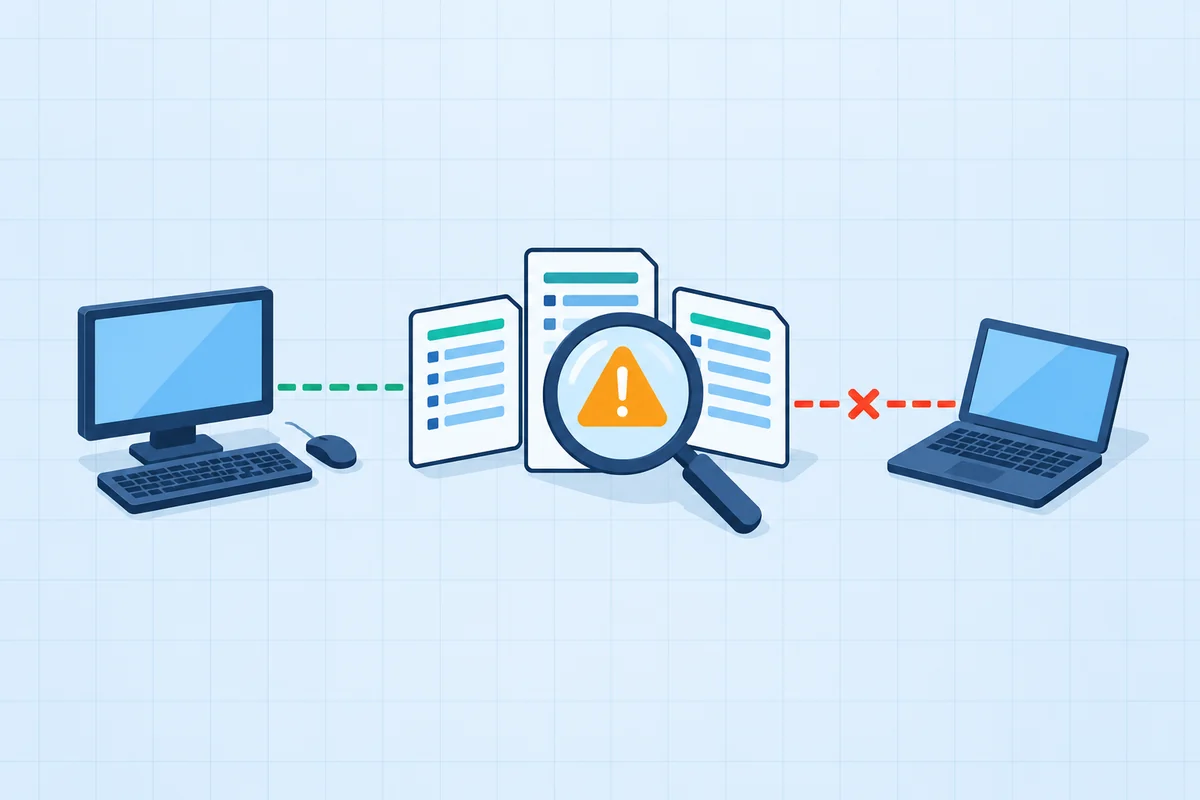 Security Operations
Follow the evidence. Contain the incident.
A finance user opened an invoice attachment. Something followed.
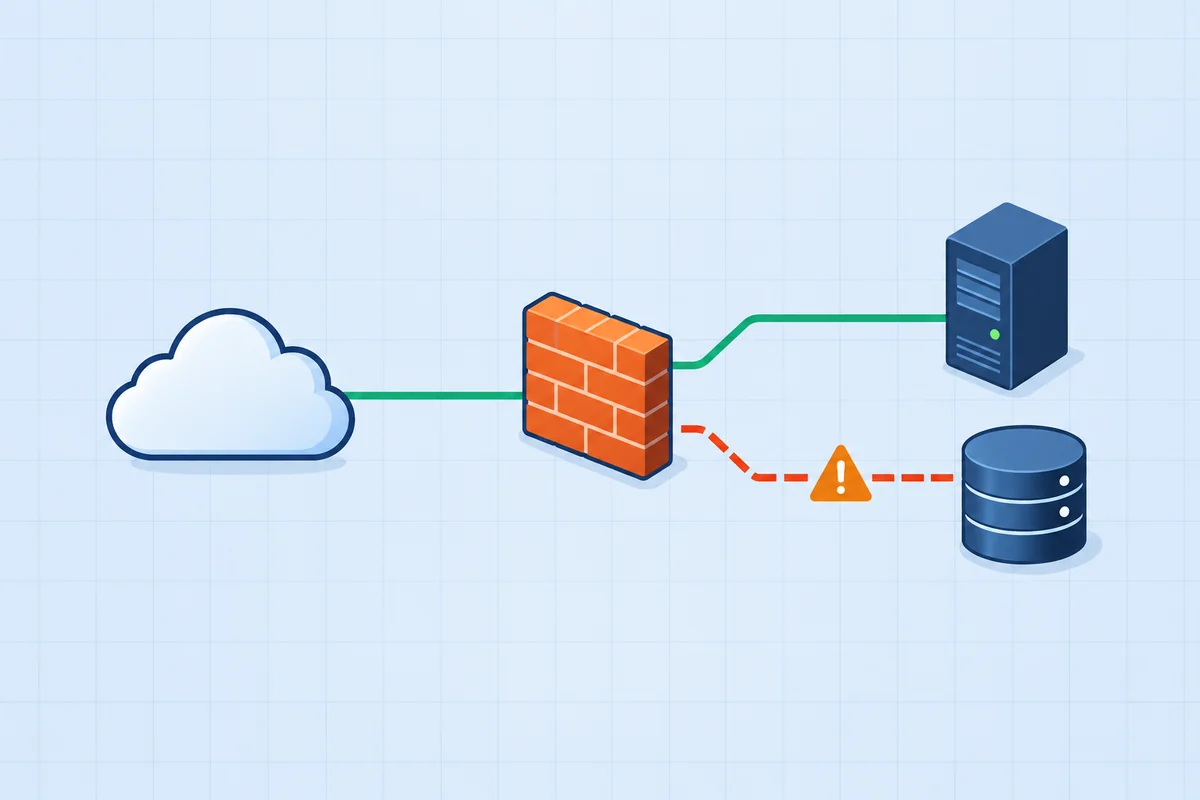 Security Operations
Restore access. Keep the boundary.
A rushed change has taken the customer portal offline. Repair the firewall rules.
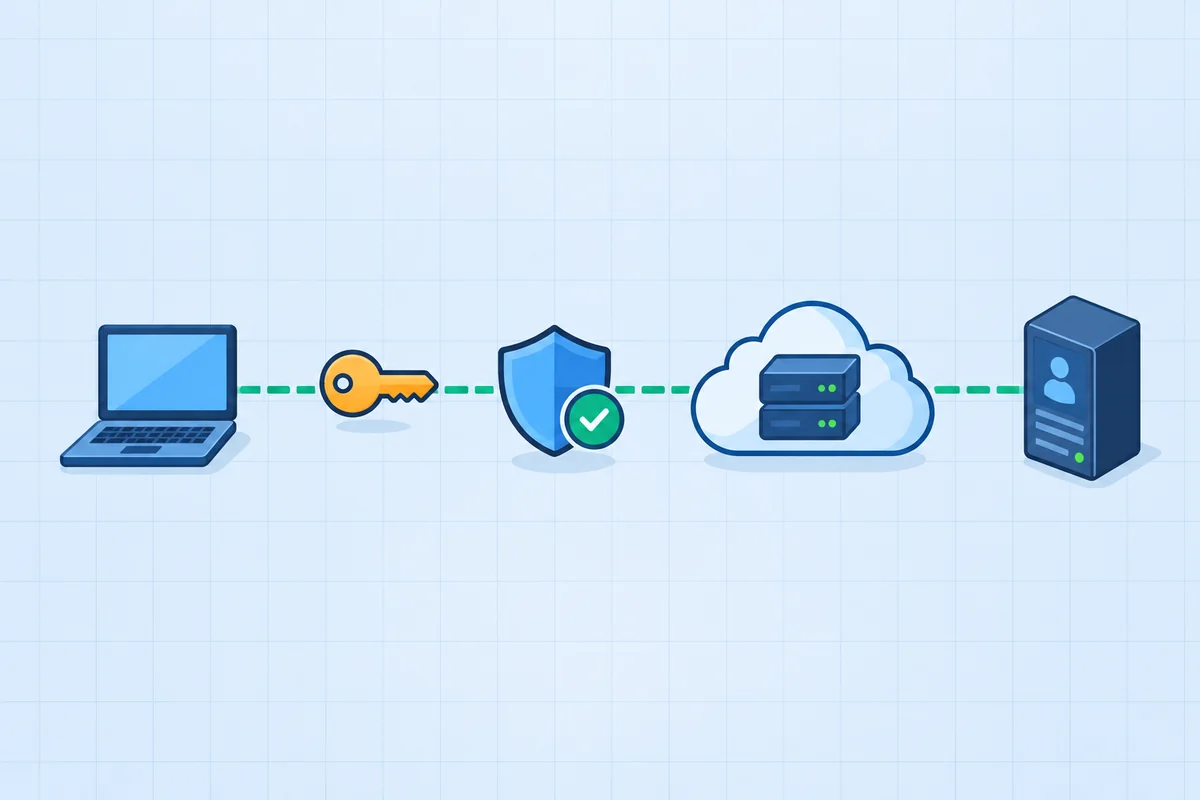 General Security Concepts
Replace the portal certificate.
Resolve the browser warning and the exposed-key finding.
PBQs from the Security+ pack, each graded outcome by outcome. The free full-length exam includes PBQs like these.
In This Guide
What a PBQ actually is
A performance-based question presents a scenario and a small interactive task, then grades what you produce. Instead of "Which protocol encrypts web traffic?", a PBQ hands you a firewall rule table and says "Configure the rules so the public can reach the web server securely and nothing else gets through." You're being tested on whether you can apply the concept, not just name it.
That's why they feel harder - and why they're a great way to study. If you can work a PBQ, you almost certainly understand the underlying concept well enough to answer any multiple-choice question about it too. PBQs are concentrated in Domain 4 (Security Operations, 28% of the exam) and Domain 3 (Security Architecture, 18%), the two largest domains.
The 4 PBQ formats you'll see
Almost every Security+ PBQ is one of these four shapes. Recognizing the shape immediately tells you what kind of answer is expected.
1. Drag-and-drop matching
Drag labels into slots - matching attacks to descriptions, ports to protocols, or controls to categories. The most common and usually the fastest PBQ format.
2. Configuration / fill-in
Build or complete a configuration: set firewall rules, choose dropdown values for a hardening checklist, or pick the right setting for each device. You construct the answer.
3. Simulation / GUI
A simplified interface (a firewall console, a server settings panel) where you click through to reach a secure end state. Slower - take your time clicking.
4. Log / output analysis
Read a log excerpt or command output, then identify the attack, the affected host, or the next action. Pure reading-comprehension once you know the indicators.
Here's what a configuration PBQ looks like in raw form - a firewall rule set where exactly one rule is the secure answer:
And a log-analysis PBQ - one line tells the whole story once you recognize the payload:
Interactive Security+ PBQs, inside the practice exams
Reading about a PBQ is not the same as working one against the clock. The FigigExams Security+ practice exams include 17 interactive performance-based questions, spread through the timed paper like the real thing. Every required outcome is graded on its own, with partial credit and the reason you met it or missed it. The free exam includes 2 of them.
Firewall policy repair
Fix an ordered rule set so the right traffic passes and nothing else does, then test a connection against your own policy.
Log and evidence triage
Select the events that form the attack chain, leave out the routine noise, and record what to block.
Sort the controls
Place each control by how it is implemented: technical, managerial, operational or physical.
Run the incident response
Put the response team's actions in the order the incident response process runs them.
SECPLUS-EXAM-FULL applies itself when you create your account.
Choosing where to practise? Dion's PBQ pack, CertMaster Labs, TotalSims, Crucial Exams and Boson are compared on format, grading, timing and price in the best Security+ PBQ simulators, ranked.
How to answer PBQs: a 5-step strategy
This is the exact routine I give people I mentor. It turns PBQs from a source of panic into the most reliable points on the exam.
- Flag them and skip first. PBQs appear at the start, but you don't have to do them first. Flag each PBQ, blow through the multiple-choice questions to bank the fast points, then come back. You'll return calmer and with a known time budget.
- Read the entire scenario before touching anything. PBQs hide the constraint in the last sentence ("...without exposing management ports"). Read it all once, identify exactly what "done" looks like, then act.
- Answer every sub-part - partial credit is real. Most PBQs grade each blank or each rule independently. Never leave a part empty. Fill the ones you know, make a reasoned best guess on the rest.
- Eliminate the obviously insecure option. On config and matching PBQs, the wrong answers are usually the insecure twin (HTTP not HTTPS, Telnet not SSH, FTP not SFTP). Kill those first and the right answer often falls out.
- Don't over-spend - cap your time and move on. If a simulation is eating minutes, lock in your best partial answer, flag it, and return at the end if time allows. A perfect PBQ isn't worth failing three MCQs you didn't reach.
The PBQ topics that show up most
PBQs are drawn from a short, predictable list. Drill these and you've covered the overwhelming majority of what you'll be asked to do:
- Firewall / ACL rules - allow the secure service, block the insecure one, deny everything else, and watch rule order (a broad ALLOW above a specific DENY breaks the intent).
- Log and output analysis - spot SQL injection (
' OR '1'='1), directory traversal (../../), brute force (many failed logins), or port scans, then name the attack or the next action. - Secure protocols and ports - swap insecure for secure: Telnet (23) → SSH (22), HTTP (80) → HTTPS (443), FTP (21) → SFTP (22)/FTPS, LDAP (389) → LDAPS (636). See the ports and protocols cheat sheet.
- Cryptography selection - pick the right tool: AEAD (AES-GCM) for confidentiality + integrity, hashing for integrity only, asymmetric for key exchange and signatures. See Cryptography & PKI.
- Identity and access management - apply least privilege, assign the right permissions, place MFA where it matters, or fix an over-permissioned account.
- Incident response ordering - put the phases in order: preparation, identification, containment, eradication, recovery, lessons learned.
- System hardening - disable unneeded services and ports, enforce secure settings on a checklist, choose the secure value in each dropdown.
Rehearse PBQs in a full Security+ practice exam
FigigExams Security+ practice exams build PBQ-style drag-and-drop, configuration, and log-analysis items into every version - and the Exam Coach tells you which concepts your misses came from. The first full exam is free, no credit card.
Want to go deeper?
Security+ PBQ-Style Practice Questions
These 5 questions are drawn from the most common PBQ topics - firewall rules, log analysis, secure protocols, cryptography, and incident response. Each has a detailed explanation. (On the real exam these are interactive; here they're multiple choice so you can self-check the reasoning.)
Five questions isn't a rehearsal - 90 is
Those 5 tell you whether the reasoning clicked. A full-length paper tells you whether you'd pass. Take the complete Security+ SY0-701 practice exam free, timed like the real thing, with Explanations and Exam Tips on every question and an Exam Coach report that ranks your weakest domains by their impact on your score. The code auto-applies when you create your account.
SECPLUS-EXAM-FULL
Take the full exam free
Already have an account? Log in to start · The same code unlocks the full Security+ study guide.
Ready for More?
You've just covered how Security+ PBQs work. Here's how to keep preparing:
What the FigigExams CompTIA Security+ SY0-701 pack includes
Most practice-exam products are a question bank and a score. The layer on top of the questions is what changes your next week of study. Everything below is included with the CompTIA Security+ SY0-701 pack, and everything except the additional papers is included with the free exam. Verified 4 September 2026.
4 full-length Security+ exams, 357 questions
Every paper is timed to the real CompTIA Security+ SY0-701 format and uses every question type the live exam uses. A complete 90-question paper is free with no credit card.
17 interactive PBQs
Firewall rule repair, log triage, control sorting and incident ordering, inside the timed practice exams and graded outcome by outcome, with the reason for each. The free exam includes 2; the rest come with the pack.
An Exam Tip on every question
Each item carries a written explanation of why the correct answer is correct and why each distractor fails, plus a separate Exam Tip - the single thing to remember on exam day.
Exam Coach: a concept-level report
Finishing a CompTIA Security+ SY0-701 paper returns a per-concept breakdown across every domain rather than a bare percentage, naming the concepts that cost you marks.
Study Path: revision ranked by what it is worth
Your CompTIA Security+ SY0-701 result is scored against the published blueprint weights and ranked by weighted shortfall - domain weight multiplied by your miss rate. That is why Security Operations at 28% of the blueprint outranks a domain you scored worse on but which carries half the weight.
Study cards from your own mistakes
Select any explanation and save it as a study card. Your Security+ deck is built from the questions you actually got wrong, which is the only revision list worth carrying into the final week.
A free Security+ study guide
A full written CompTIA Security+ SY0-701 study guide, readable online with no PDF gate and no email wall, free whether or not you ever buy a pack.
$39 once, lifetime, future versions included
One payment unlocks all 4 CompTIA Security+ SY0-701 exams for life - about $9.75 per full-length paper. When the blueprint changes, the new versions are included rather than sold as a new edition.
30-day money-back guarantee
Thirty days to ask for the money back, on top of sitting a complete CompTIA Security+ SY0-701 paper free before paying anything.
Figures read from the live CompTIA Security+ SY0-701 question banks on 4 September 2026. Compare against every other Security+ option in the ranked comparison, or start the free 90-question paper with code SECPLUS-EXAM-FULL.
Frequently Asked Questions
How many performance-based questions are on the Security+ exam?
CompTIA doesn't publish a fixed number, but candidates typically see a handful of performance-based questions (often around 2 to 5) and they usually appear at the very beginning of the SY0-701 exam. They're weighted more heavily than a single multiple-choice item, so they have an outsized effect on your score. The total exam has a maximum of 90 questions in 90 minutes.
Are Security+ PBQs scored with partial credit?
Most performance-based questions award partial credit, so you should answer every sub-part even if you're unsure of one. Leaving parts blank guarantees you lose those points. Get the parts you know right, make a reasoned attempt at the rest, and move on.
Should I do the PBQs first or last on the Security+ exam?
Most test-takers do better by flagging the PBQs, banking the fast multiple-choice points first, then returning to the PBQs with the time and confidence that remain. PBQs are time sinks, and starting the exam stuck on a hard simulation can rattle you. You can flag a question and come back to it before you submit.
What topics do Security+ performance-based questions cover?
Common SY0-701 PBQ topics include firewall and ACL rule configuration, log and output analysis to identify an attack, matching secure protocols to ports, selecting the right cryptographic algorithm or mode, identity and access management (least privilege, MFA), incident response phase ordering, and system hardening. They're concentrated in Security Operations and Security Architecture.
How can I practice PBQs before the real exam?
The best preparation is a full, timed practice exam that includes PBQ-style items, followed by a concept-level review of every miss. FigigExams builds PBQ-style drag-and-drop, configuration, and log-analysis items into every Security+ practice exam, and the first full exam is free with no credit card. Compare it against Boson ExSim and CompTIA CertMaster if you're weighing paid options.